
After you place an order and make a successful payment, you will receive a welcome email containing login details.
DirectAdmin Permanent Login URL:
https://$hostname.tld:2222 (SSL Protected).
http://$hostname.tld:2222 (Non-SSL - Insecure).
Log in using the following IP Address:
https://$ip-here:2222 (SSL Protected – Need Exception).
If your domain propagates, you will be able to access it using a URL such as https://example.com:2222.
Please, check your Welcome email in case the URL does not open on port 2222.
How to Log in to DirectAdmin?
Open your DirectAdmin URL.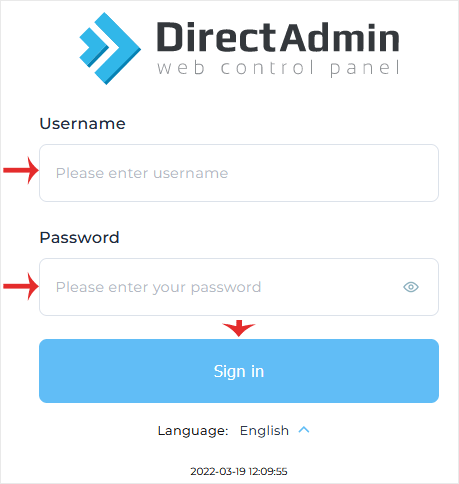
Enter your credentials and click on Login. If your login details are correct, you will have successfully logged into your DirectAdmin account.
Note: If you recently modified your domain's DNS, the domain propagation can take up to 24 hours.
